Every New Page Shouldn't Need A New Production Cycle.
Landing pages often require the same process every time: brief the copywriter, wait for design, coordinate SEO, make revisions and then hand everything to development. When you're producing pages for multiple locations, services, products or campaigns, that process quickly becomes the bottleneck.
Too Much Manual Production
Every new page requires separate work across copy, design, SEO and development, even when the underlying page structure stays the same.
Inconsistent Page Design
Different people and tools can introduce small design changes that make pages feel disconnected from the main website.
Slow Campaign Execution
Marketing teams have to wait for production capacity before launching a new campaign, offer or targeted landing page.
Disconnected SEO Work
Metadata, canonical URLs, Open Graph settings and other SEO requirements are often handled separately from the actual page.

Your Template. Your Brand. New Pages At Scale.
Landing Page Builder lets you start with the HTML design your team already uses, then build new pages directly inside that structure. Add a topic, brief, keyword and page type, and generate the content and supporting elements without rebuilding the design each time.
Bring Your Own Template
Upload or paste the HTML template your website already uses and keep the approved structure, styling and visual language across every new page.
Generate The Page
Provide your topic, company, keyword and page type, or upload an existing brief to create the content and page structure inside your selected template.
Control The Design
Set your fonts and brand colours, edit content and images, adjust styles and access the underlying HTML whenever you need more control.
Handle SEO
Set your meta title, description, canonical URL, Open Graph information, robots directive and author before the page is exported.
Export Real HTML
Download the completed page as HTML and deploy it on your own hosting, domain or development stack without being locked into a separate page-building platform.
From Approved Template To Publish-Ready Page.
Start with the design you already trust and provide the information needed for the new page. The builder takes care of the production work while keeping the template, content, styling and SEO controls together in one workflow.
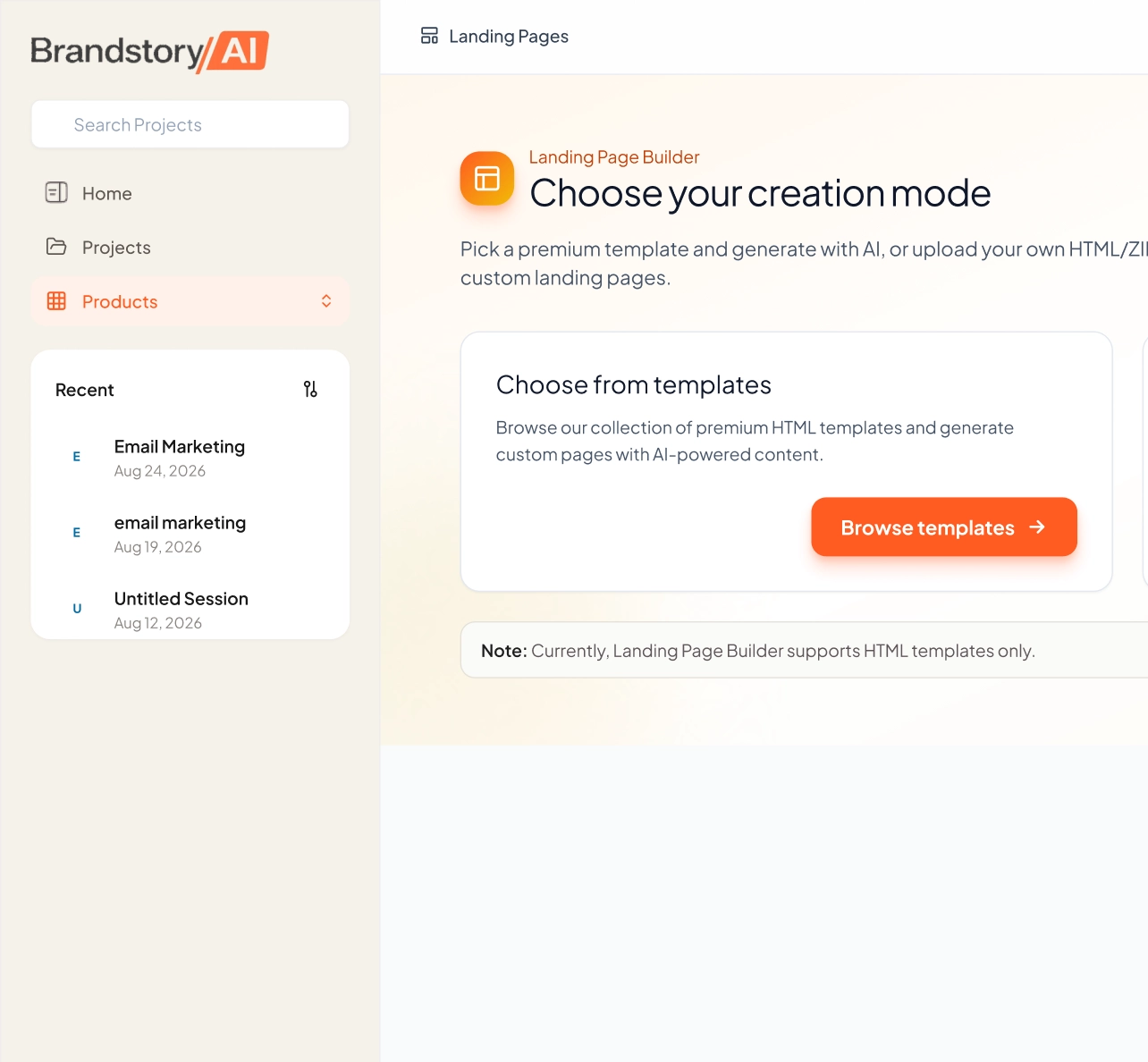
Choose Your Template
Select a saved template from your gallery or upload your own HTML file to create a reusable starting point. Preview the design before using it for a new page.
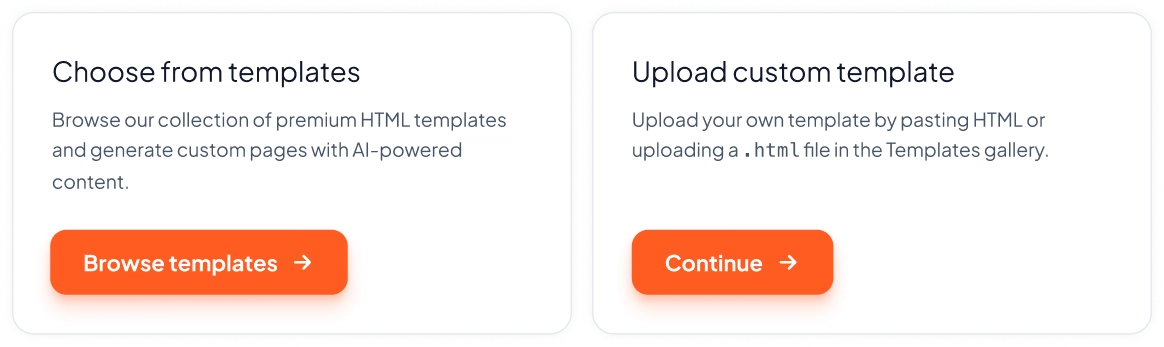
Add Your Brief
Describe the page you need, provide your primary keyword and company name, then select the appropriate page type. You can also upload an existing Word, PDF, PowerPoint or text brief.
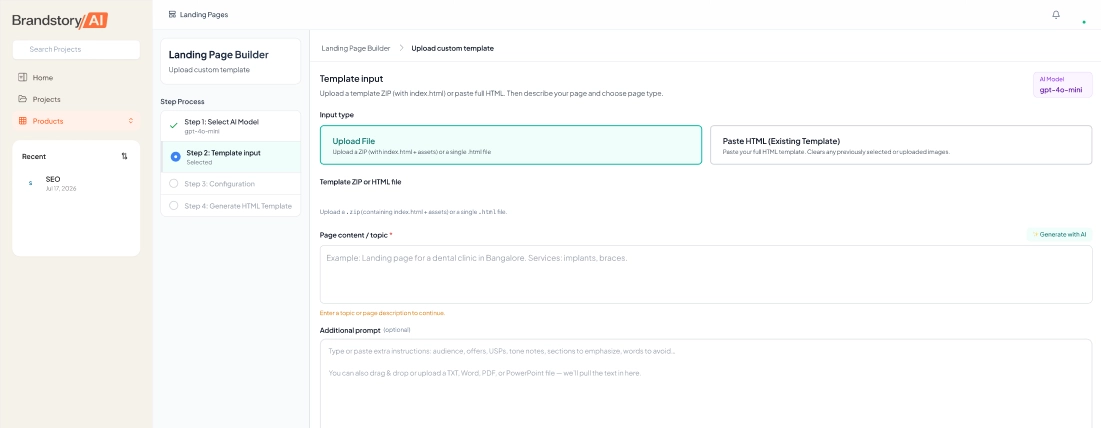
Configure The Page
Choose your Google Font, primary and secondary brand colours, image generation settings and global CTA destination before generating the page.
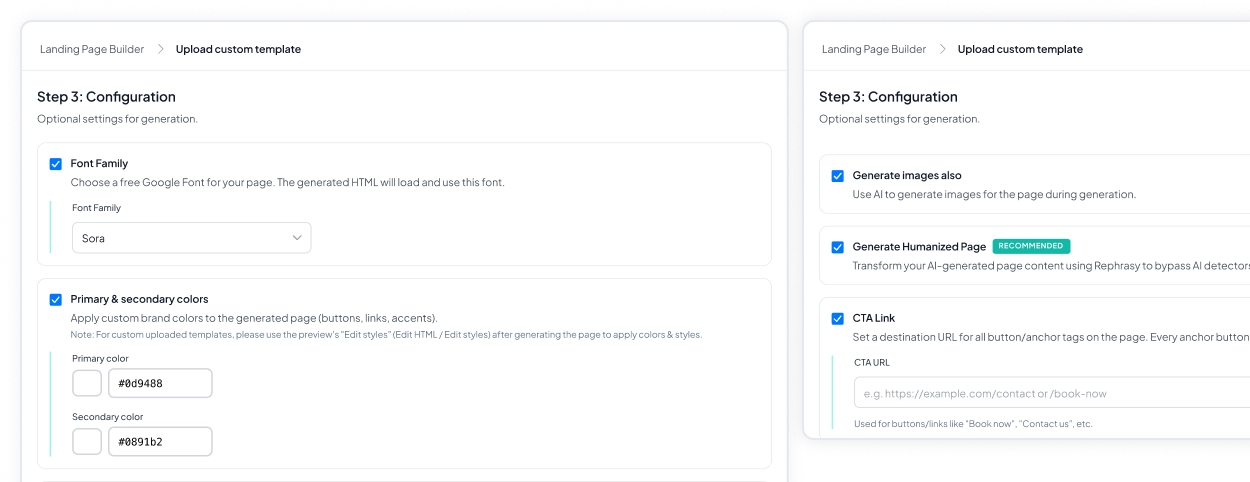
Generate
The page content, structure, images and metadata are created directly inside your selected template. Your existing design remains the framework rather than being replaced by another layout.
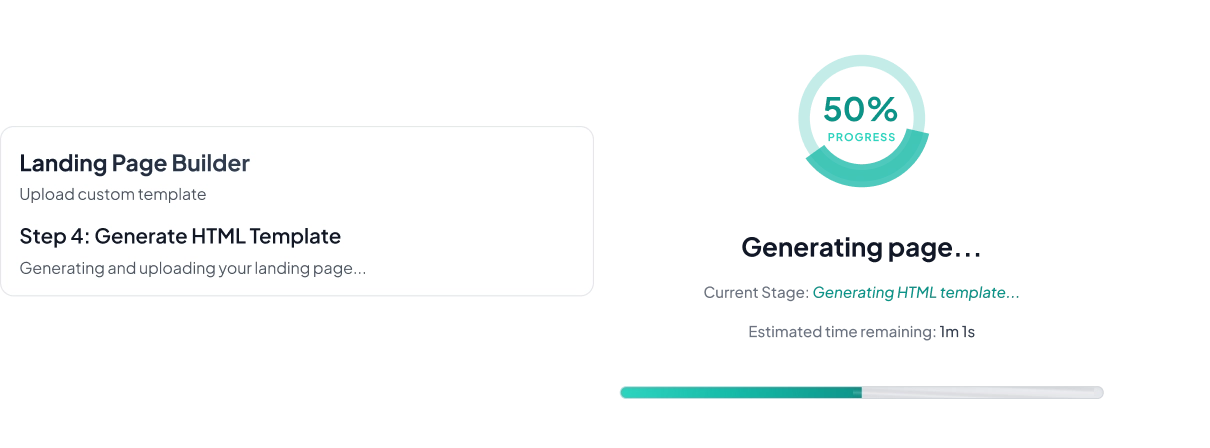
Review And Refine
Edit content, images, styles, links and HTML directly in the builder while viewing the page in its final layout. Undo and redo controls let you experiment without losing previous versions.
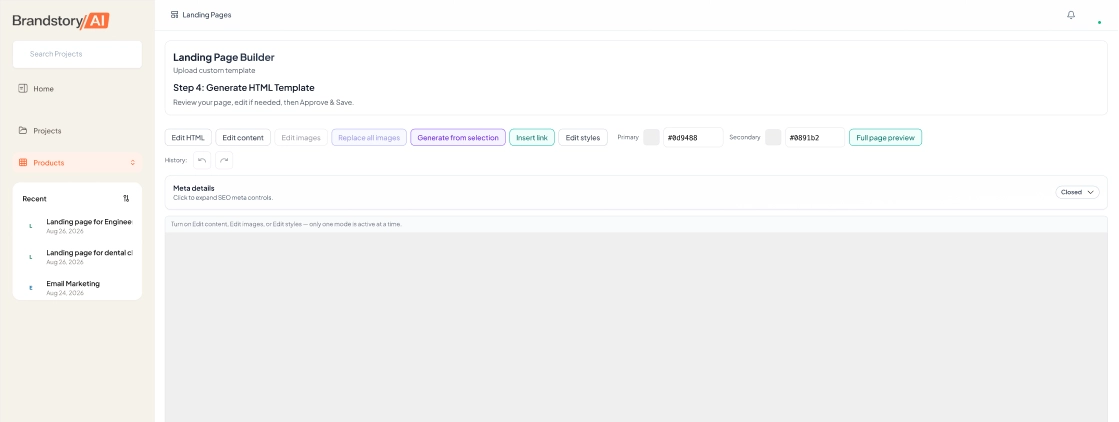
Optimise And Export
Review your SEO settings, preview the finished page and download the HTML when everything is ready. Deploy it wherever your website is hosted or save it to your AI Drive.
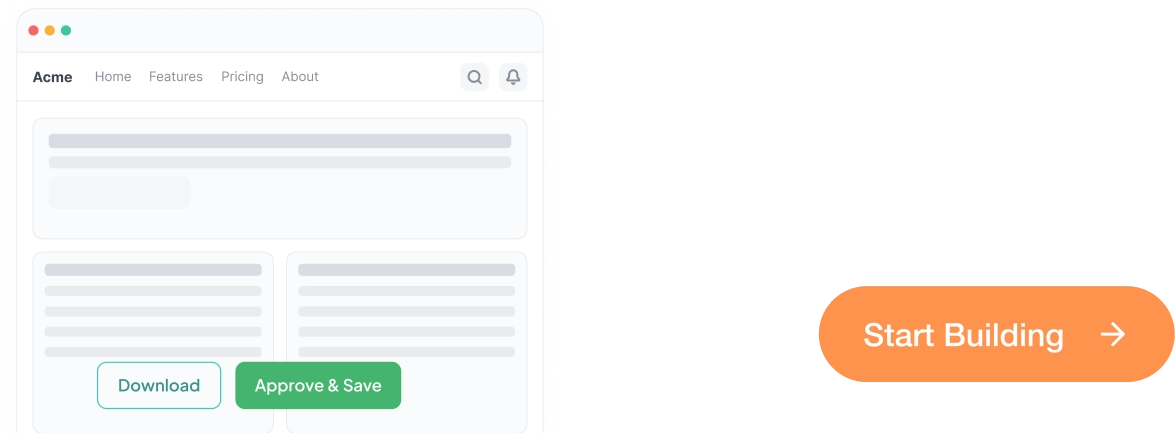
Everything You Need To Build And Ship A Landing Page.
Landing Page Builder brings page generation, editing, styling, SEO and export into one workflow. You can move from an approved design to a finished page without separating the production process across multiple tools and teams.
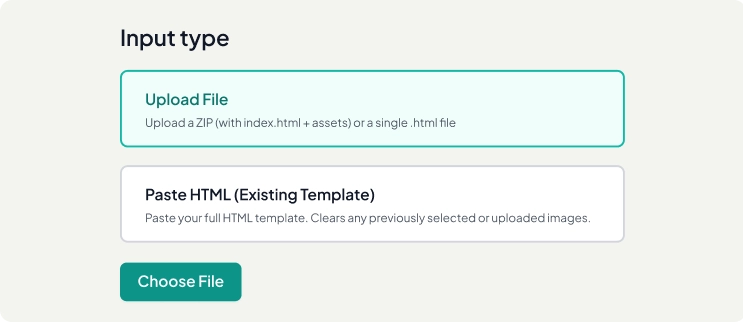
Custom Template Upload
Paste your HTML or upload an existing file, then save the design to your template gallery for repeated use across future pages.
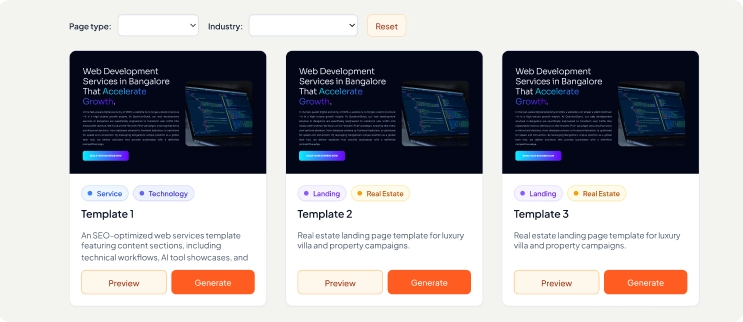
Template Library
Browse available templates alongside the designs your team has uploaded, with options to filter by page type and industry before selecting a starting point.
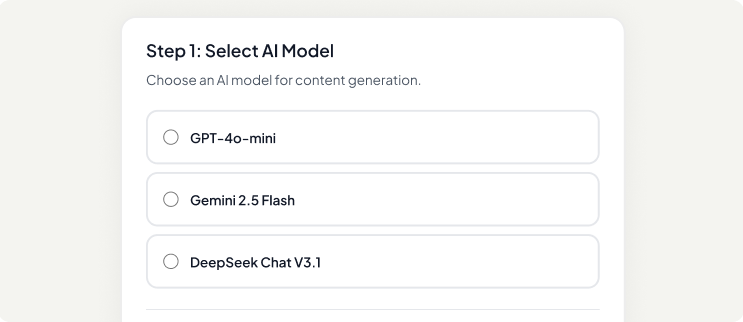
AI Content Generation
Generate complete page copy from a topic, short brief or detailed document while keeping the content inside your chosen page structure.
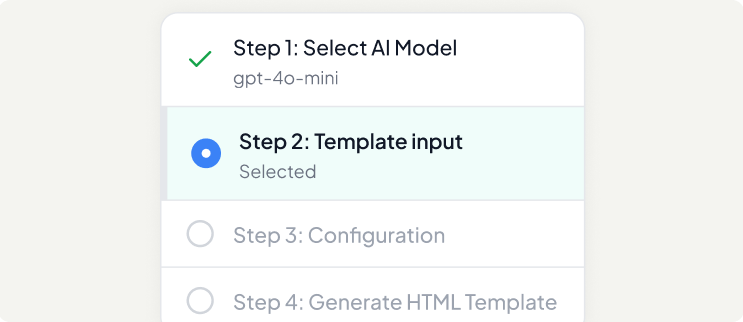
Model Selection
Choose the generation model for each page so you can use the approach that best fits the type, length and requirements of the content.
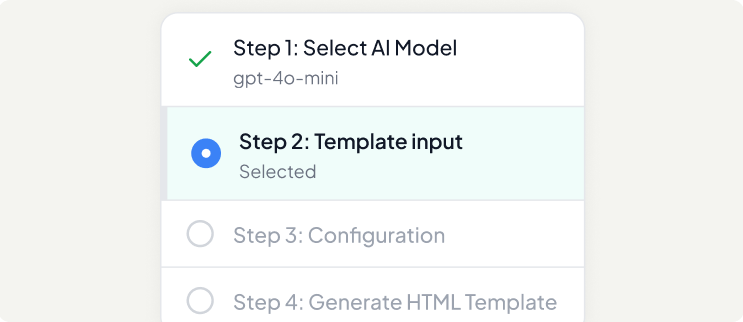
Image Generation
Generate images during the page build, replace images across the page or regenerate individual selections when the visual direction needs to change.
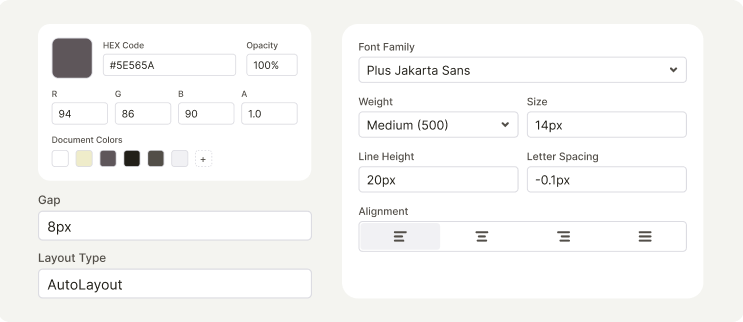
Content & Style Editing
Edit page copy, colours, spacing and other visual details directly in the builder without rebuilding the page from the beginning.
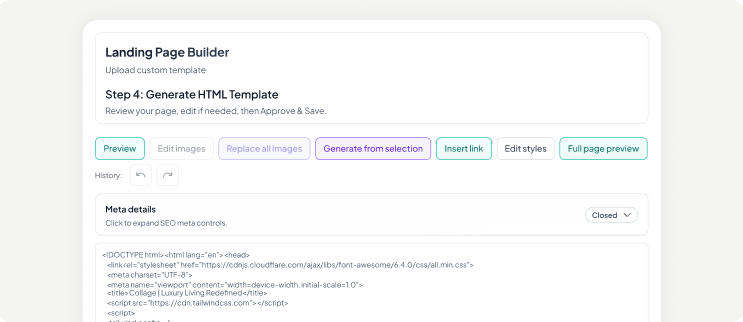
HTML Editing
Access the underlying HTML whenever you need control beyond the visual editor or need to make a more specific structural adjustment.
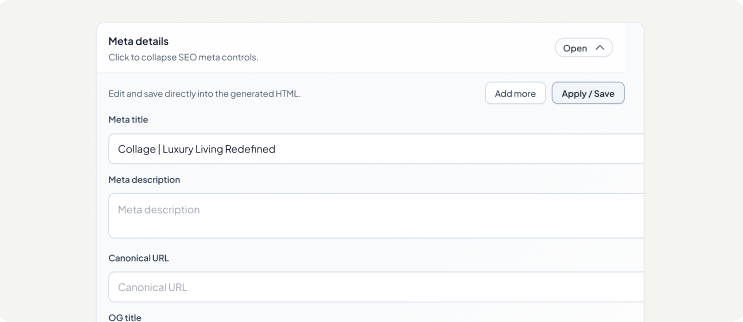
SEO Controls
Set metadata, canonical URLs, Open Graph information, robots directives and author details directly before exporting the finished page.
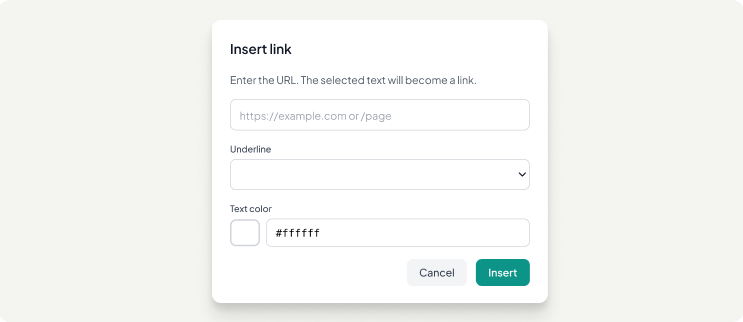
Link Management
Add internal links throughout the page or apply one destination URL across the page's primary call-to-action buttons.
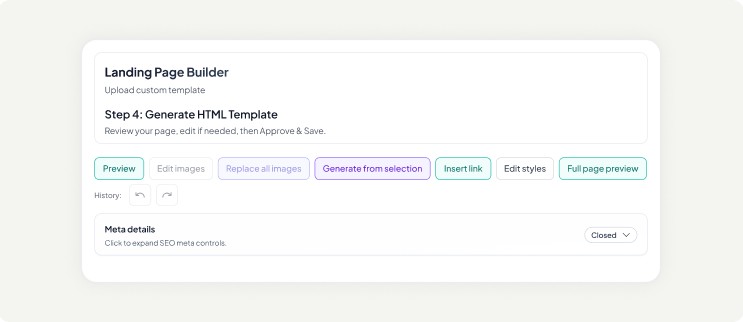
Version History
Undo and redo your changes throughout the editing process so you can experiment with content and design without permanently losing previous work.
Build Your Next Landing Page Faster.
Build, edit, optimize, and export landing pages with templates, AI, images, SEO, and one streamlined workflow.
Build Your PageOne Template. Every Page You Need To Produce.
Landing Page Builder is designed for teams that need to create multiple pages while keeping their visual system consistent. Save the design once and reuse it across locations, services, products, campaigns and other recurring page requirements.

Location Pages
Create pages for different cities, regions or service areas while keeping the same approved design and adapting the content for each location.

Service Pages
Build consistent pages for individual services with content focused on their specific benefits, audience and conversion goals.

Campaign Pages
Create dedicated landing pages for campaigns, offers and ad groups without waiting for a new design cycle for every variation.

Product Pages
Maintain a consistent page structure across products while adapting the copy, imagery and messaging to each product and its audience.

Programmatic SEO
Create larger sets of targeted pages from reusable templates while maintaining a consistent visual structure across the collection.
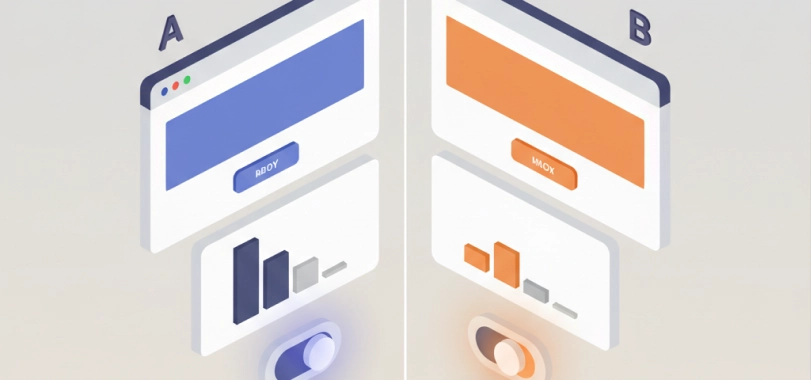
A/B Testing
Create different versions of the same page from a shared template to test different messages, offers, layouts or conversion approaches.

Agency Delivery
Build client pages using their existing templates and brand structure, then provide clean HTML that can be handed back to their development team.
Scale Your Landing Pages Without Scaling Your Workflow
Reuse proven templates to create consistent location, service, campaign, product, and SEO pages faster
Keep Control From The First Template To The Final Page.
Unlike page builders that require you to work inside their design system, Landing Page Builder starts with the structure your team already owns. The generated page stays within that design while giving you control over content, visuals, styling, links, SEO and underlying code.
Your Template
Upload the HTML your website already uses and preserve the design decisions your team has already approved.
Your Content
Add a brief, document, keyword and page requirements, then generate content that fits the selected page structure.
Your Editing
Refine text, images, styles, links and HTML directly in the builder before anything is published.
Your SEO
Control the metadata, canonical URL, Open Graph settings and other page-level search requirements from the same workspace.
Your Code
Export the finished HTML and deploy it on your own hosting, domain or development stack without platform dependency.

Built For

Marketing Teams
Produce more pages without making every request dependent on a separate design and development cycle.

SEO Team
Create targeted pages while keeping page structure, content and essential SEO controls connected.

Design Teams
Approve the design once and let the same template carry across future pages without repeated layout work.

Agencies
Work inside client-approved templates and deliver finished HTML that fits their existing website environment.
Build The Page. Keep The Design.
Turn an approved HTML template into complete landing pages with content, images, styling and SEO controls built into the same workflow. Create one page or reuse the same design across the campaigns, services, products and locations your team needs to publish.
Frequently Asked Questions
Do I have to use your templates?
No. You can upload your own HTML template or paste the code directly into the builder. Save it to your template gallery and reuse the same design whenever you need to create another page.
What can I use as a brief?
You can enter your instructions directly or upload an existing Word, PDF, PowerPoint or text document. The platform can use the information in your brief as the foundation for generating the page.
What types of pages can I create?
You can create service, blog, pillar, product, landing and open-ended pages. Each page type can follow a different structure based on the purpose and content requirements of the page.
Can I edit the page after it is generated?
Yes. You can edit the content, images, styles, links and underlying HTML directly within the builder. Undo and redo controls allow you to make and reverse changes throughout the editing process.
Can I use my own brand colours and fonts?
Yes. You can select a Google Font and define primary and secondary brand colours during the page setup. These settings can be applied to elements such as buttons, links and accents.
Can I control the SEO settings?
Yes. You can edit the meta title, meta description, canonical URL, Open Graph title, description and image, robots directive and author before exporting the page.
Can I generate the images too?
Yes. Images can be generated during the page creation process, replaced across the page or regenerated individually when you want to explore a different visual direction.
How do I publish the finished page?
You can download the generated HTML and deploy it through your own hosting or development environment. The output is designed to remain usable outside the platform.
Can I create multiple pages from one template?
Yes. Reusable templates are a central part of the workflow. Save an approved design once and use it to create pages for different locations, services, products, campaigns or other recurring requirements.
How does it connect with Brandstory AI?
Completed pages can be saved to your AI Drive alongside other marketing work, while related products such as Brand Strategy and Ranking Hub can support the positioning, visibility and content decisions behind your pages.